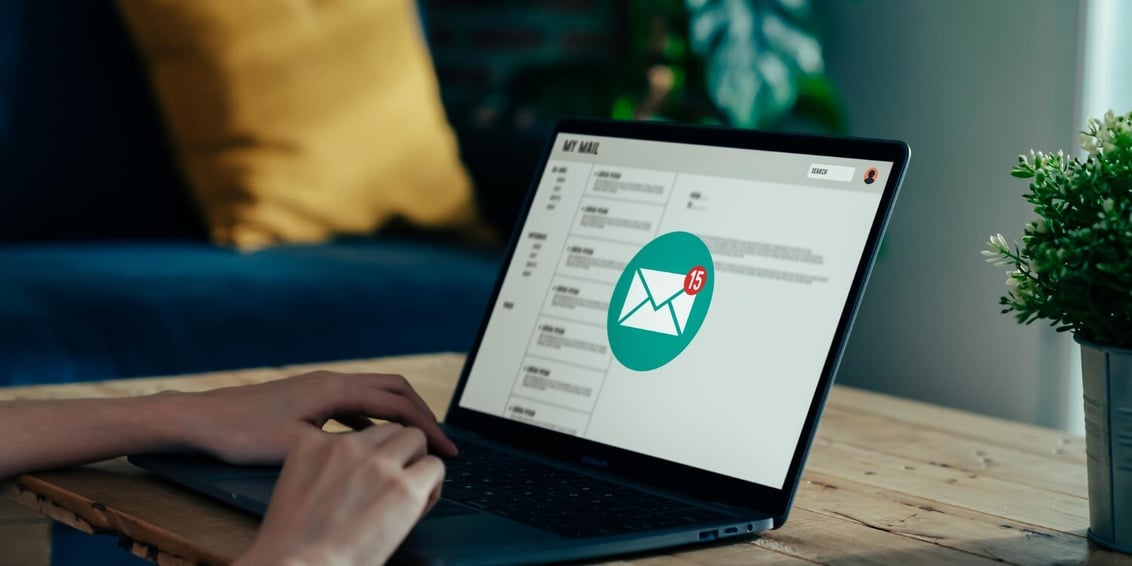
If your emails are still just text and a product photo or two, you're not alone. Most business owners who run email campaigns never touch video, mostly because nobody's explained how it actually works inside an inbox. Here's the case for adding it, and exactly how to do it right.
Why Text-Only Emails Are Falling Flat
Open rates have plateaued for a lot of businesses, and the ones that do open often get a quick scroll and a delete. It's not that your offer is bad or your list stopped caring. It's that everyone's inbox looks the same: a subject line, a block of text, maybe a coupon code, then the next email pushes it out of sight.
Subscribers aren't reading the way they used to. They're scanning, and a wall of text asks for more attention than most people are willing to give a marketing email. When every message in the inbox uses the same format, nothing stands out enough to earn a click.
This isn't a reason to send more emails or write punchier subject lines, though those help too. It's a signal that the format itself needs to change. Video is one of the few things left that still gets a second look in a crowded inbox.
Why Video Works So Well in Email
The numbers back this up. Industry research from sources like HubSpot and Campaign Monitor consistently shows that adding video to an email can boost click-through rates by 200 to 300 percent compared to text and static images alone. Even a short teaser clip changes how people engage with a message.
Part of this is simple pattern interruption. A play button in the middle of an email doesn't look like the rest of the inbox, so it catches the eye before the reader has decided whether to keep scrolling. Part of it is trust. Seeing a real person on camera, whether it's a founder, a product, or a customer, builds credibility faster than a paragraph of copy can.
And the opportunity is bigger than it looks, because adoption is still low. Most estimates put the share of marketers actually using video in email campaigns somewhere around a quarter. That means most inboxes in your industry are still all text, which makes video an easy way to stand out rather than a crowded tactic you're late to.
The Technical Reality: How Video Actually Shows Up in an Inbox
Here's something most business owners don't know, and it matters before you spend a dollar on production: Gmail and Outlook do not play video directly inside an email. Neither does Apple Mail anymore, which dropped native video support in its 2025 update. What you're actually sending is a thumbnail image, sometimes an animated GIF, that links out to a video hosted somewhere else, like YouTube, Vimeo, Wistia, or your own website.
This isn't a workaround or a lesser version of "real" video email. It's the industry standard, and it works well when it's built correctly. The thumbnail needs a clear play button so it reads as a video and not just a photo. If you're using a GIF, the first frame needs to carry the message on its own, since some email clients will only ever show that first frame as a static image.
The click takes the reader to a landing page or hosted video player, which is actually an advantage: you control that page, you can add a CTA below the video, and you get real view data instead of guessing whether the video played.
Where Video Fits Into the Customer Journey
Video isn't one-size-fits-all. What it needs to do changes depending on where the reader is in their relationship with your business.
|
Journey Stage
|
What Video Should Do
|
|
Welcome sequence
|
Introduce the founder or team, set expectations, build early trust
|
|
Nurture / newsletter
|
Educate, answer common questions, keep the brand top of mind
|
|
Cart abandonment
|
Remind them what they're missing, address hesitation, add urgency
|
|
Post-purchase
|
Show how to use the product, reduce buyer's remorse, prevent returns
|
|
Re-engagement / win-back
|
Re-introduce what's changed, give dormant subscribers a reason to look again
|
Mapping video to funnel stage matters more than most people realize. A welcome video that's really a sales pitch feels pushy. A cart abandonment email that opens with a company history lesson misses the moment. Match the video's job to the stage, and it does far more work than a generic clip dropped into every send.
Types of Video Content, Matched to Each Stage
- Explainer videos work well in nurture emails and onboarding, breaking down a concept or product in under two minutes.
- Product demos fit post-purchase and consideration emails, showing exactly how something works before or after a sale.
- Testimonials are strongest in nurture and cart abandonment emails, where social proof helps overcome hesitation.
- Behind-the-scenes clips build connection in welcome sequences and newsletters, giving subscribers a reason to feel like insiders.
- Personalized, Loom-style videos (a real person speaking directly to the recipient) perform especially well in win-back and high-value B2B emails.
Not sure which format fits your funnel? That's usually the first thing we help businesses figure out before they spend any money on production.
How Long Should a Video in an Email Be
Shorter than you think. For most stages, aim for 60 to 90 seconds. For top-of-funnel emails like welcome messages or cold outreach, cut that down to 15 to 30 seconds.
The reason is simple: an email video's job is to earn a click, not to tell the whole story. The full explanation, demo, or pitch can live on the landing page the video links to. If the email version runs long, you're asking for commitment before you've earned it.
The Biggest Mistake: Treating Email Video Like a Social Post
The most common mistake we see is businesses repurposing a social clip and dropping it into an email with no real thought behind it. A vertical video built for Instagram Stories, muted background music, and captions timed for a feed scroll doesn't translate to an inbox, and it usually shows.
The deeper issue is that the video gets sent without a clear job to do. Social content is built to hold attention inside a platform. Email video has one task: get the reader to click through to something specific, whether that's a product page, a booking link, or a demo. If you can't answer "what should this video make someone do next," the video doesn't belong in the email yet, no matter how good the footage is.
Fix this by starting with the goal, not the footage. Decide what action you want before you script or film anything, and build the video, thumbnail, and CTA around that one action.
How to Make Video in Email Actually Convert
A few things separate video emails that convert from ones that just sit there:
- Use a strong thumbnail. A clear play button and a first frame that makes sense on its own, even without playing.
- Keep one CTA. One action, one button, no competing links pulling attention in different directions.
- Reference the video in your subject line. Simply including the word "video" tends to lift open rates, since it tells the reader what's waiting inside.
- Design for mobile first. More than half of all email opens happen on a phone, so test how your thumbnail and CTA look on a small screen before you send.
- Test and track clicks, not just opens. Since video lives outside the email itself, click-throughs to your video landing page are your real signal of what's working.
If you want video content built specifically to convert inside email, not repurposed social clips dropped into a template, that's exactly what we do.



 Video Production